From idea to brand in five easy steps.
No learning curve and no design vocabulary. Answer a few questions with pictures, and walk away with a logo and every file you need.
Start now, it's free
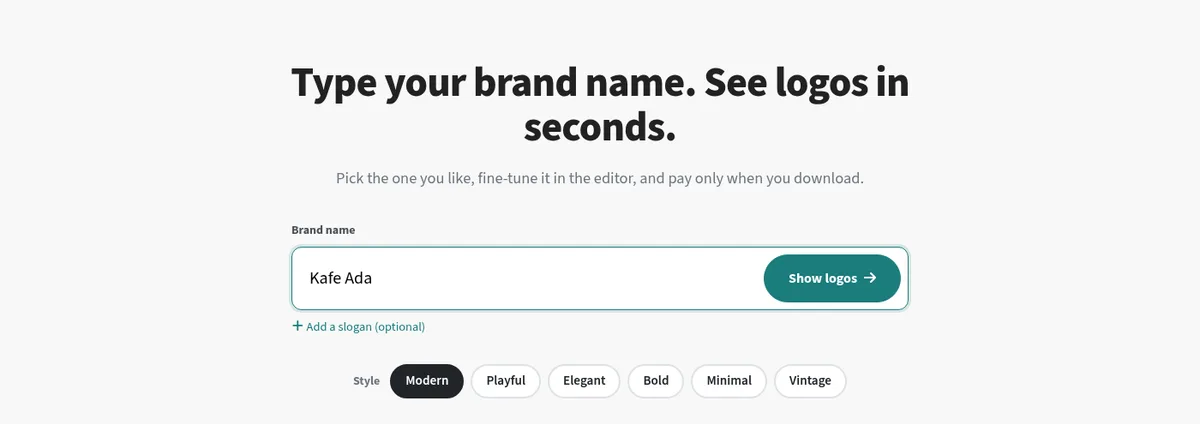
Type your brand name
Add your name, plus an optional slogan and a style such as Modern, Playful or Elegant. Then click Show logos. No sign-up needed.
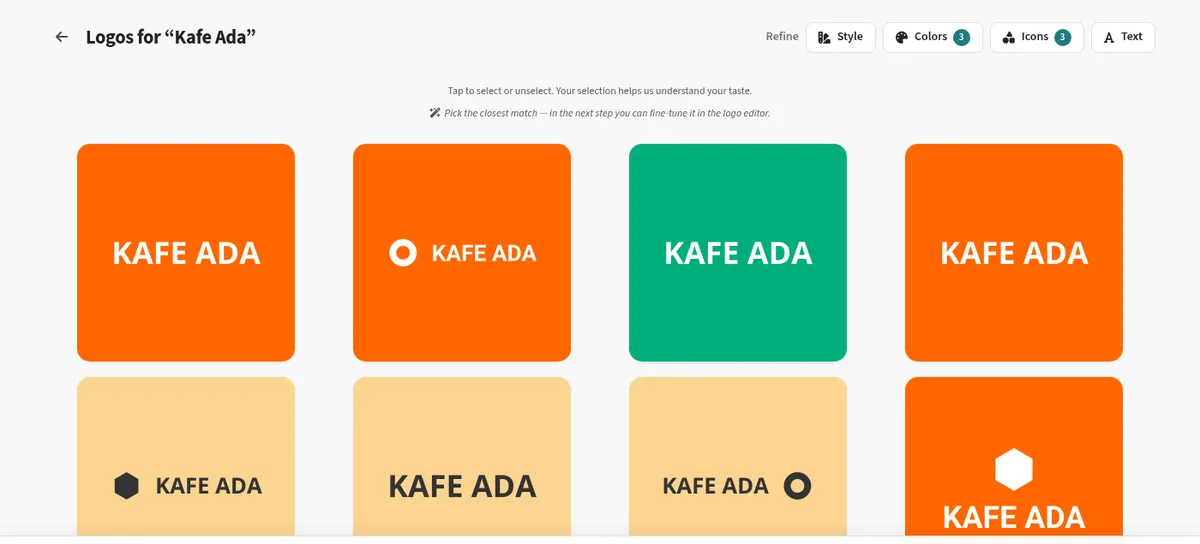
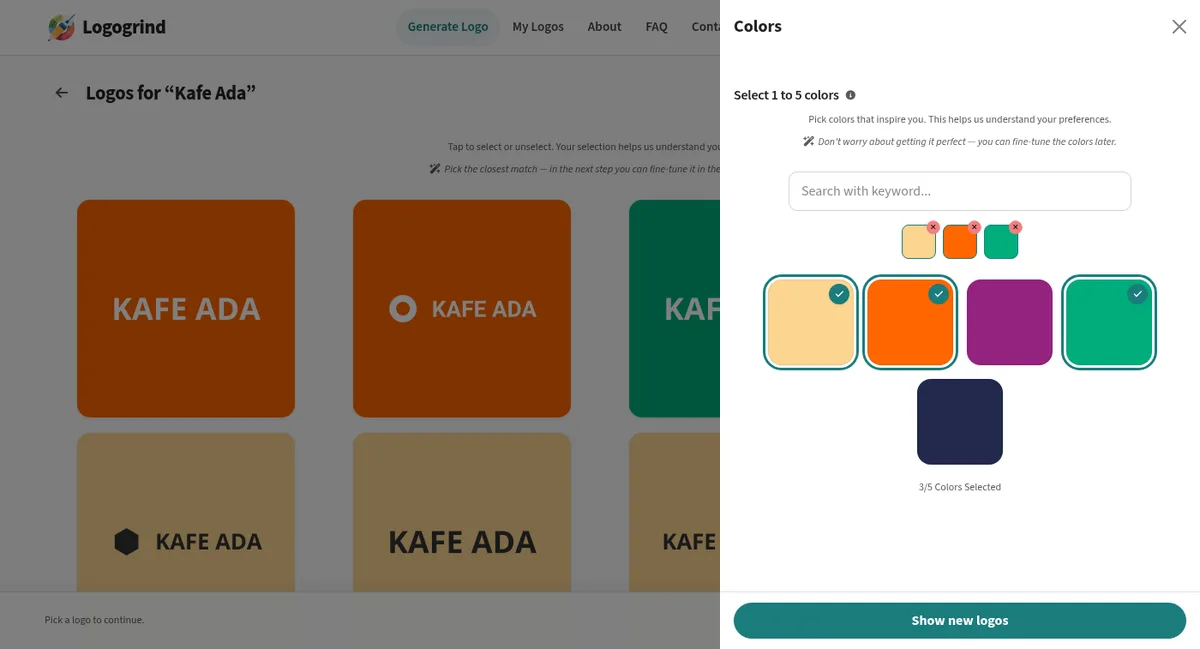
Pick the logo you like
Logogrind combines icons, colours, fonts and layouts into real logos in seconds. Load more until one clicks.
Refine in plain words
Not quite right? Change the style, colours, icons or text from the Refine buttons. Search with words like “coffee”, “calm” or “fast”.
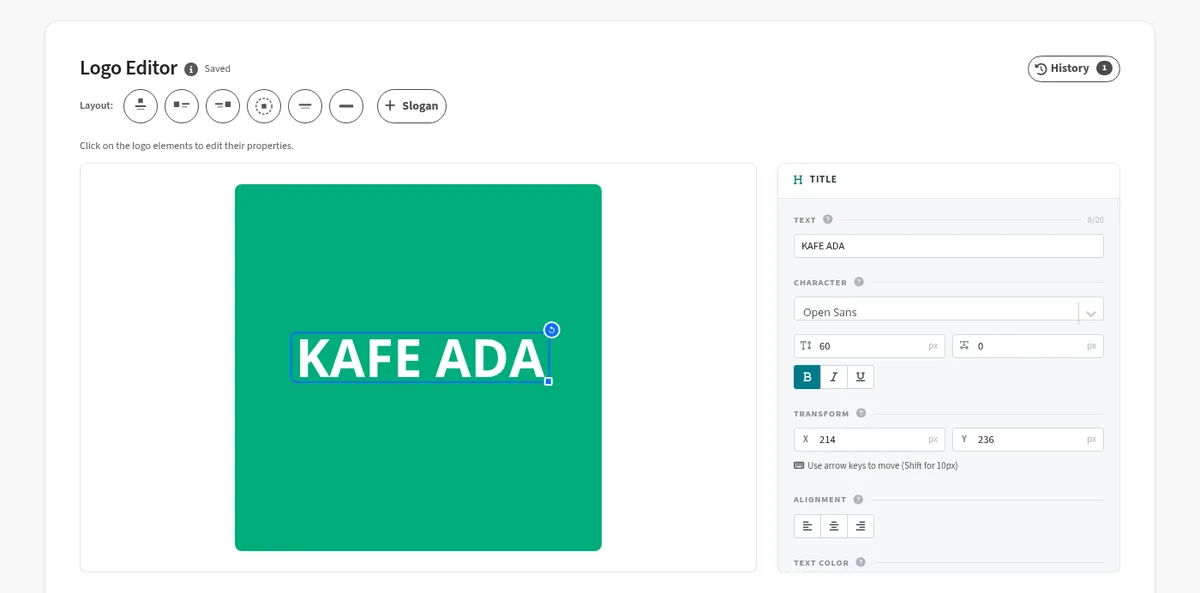
Make it yours in the editor
Change the layout, swap the icon, try another font, adjust colours with the eyedropper, or drag, resize and rotate anything. Every change saves automatically.
Download your brand kit
Pay once and download a ZIP with your SVG, PNG, JPG and WebP files in nine sizes and four colour versions, plus a Brand Guidelines PDF. Come back any time to edit and download again.
What's in your brand kit.
One ZIP file with everything you need for screen and print.
SVG vector file
Scales to any size. Ideal for print, signage and merch.
PNG, JPG and WebP
Nine sizes: 16, 32, 64, 96, 128, 256, 512, 1024 and 2048 px.
Four colour versions
Original, transparent, black and white (no JPG for white).
Brand Guidelines PDF
Your logo versions, colours and font on a few pages.
Guides and licences
A how-to PDF, a README, your commercial licence, and icon and font licences.
Step one takes ten seconds.
Pick a few logos you like and see where it goes. No sign-up, no payment until you download the kit.
Create my logo, freeCreating and editing is free. You only pay when you download the kit.